
Task Session finally brought order to our workflow. Our team moves faster, clients stay updated automatically and managing tasks and files has never been this effortless.

Creative Director, PixelForge Studio
Task Session finally brought order to our workflow. Our team moves faster, clients stay updated automatically and managing tasks and files has never been this effortless.
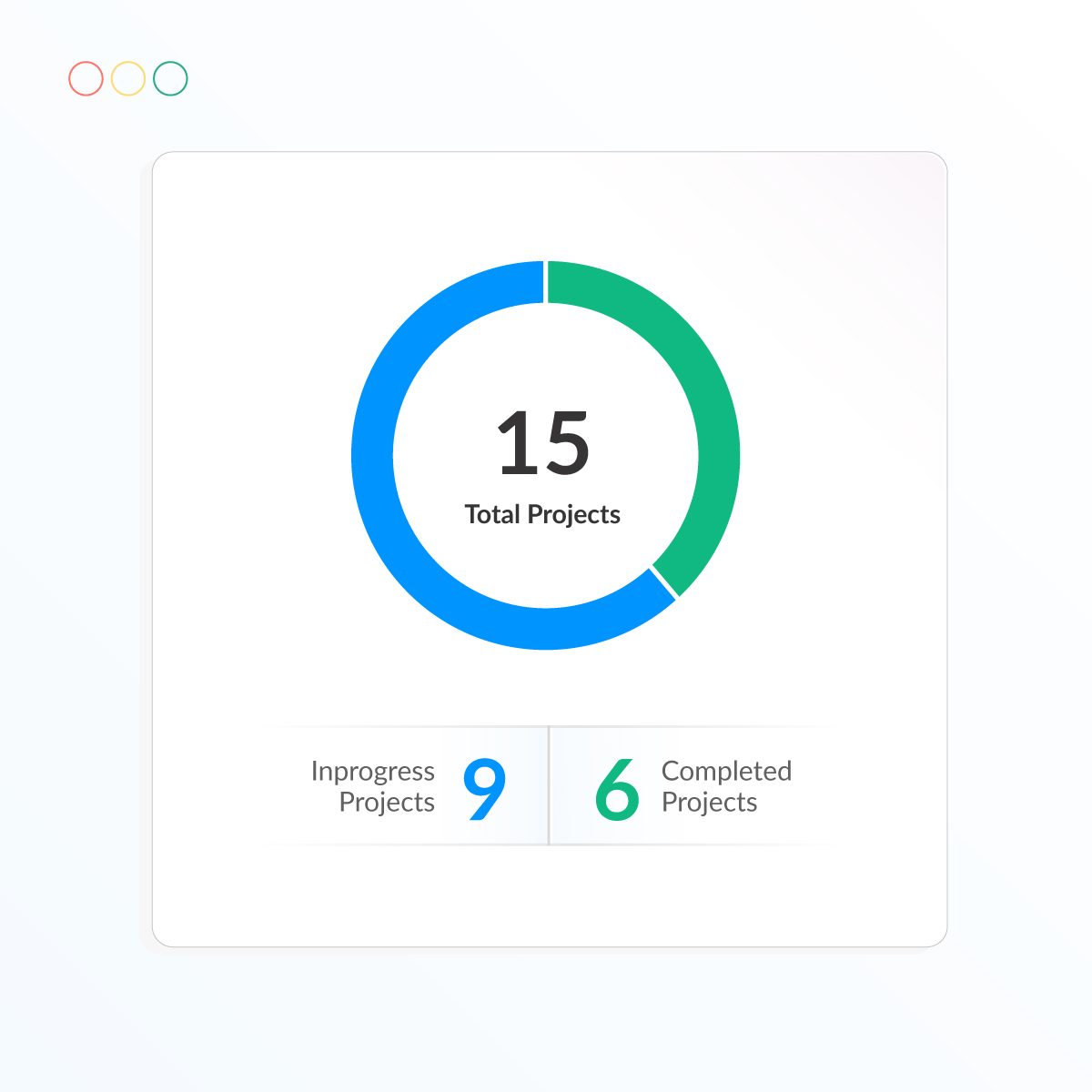
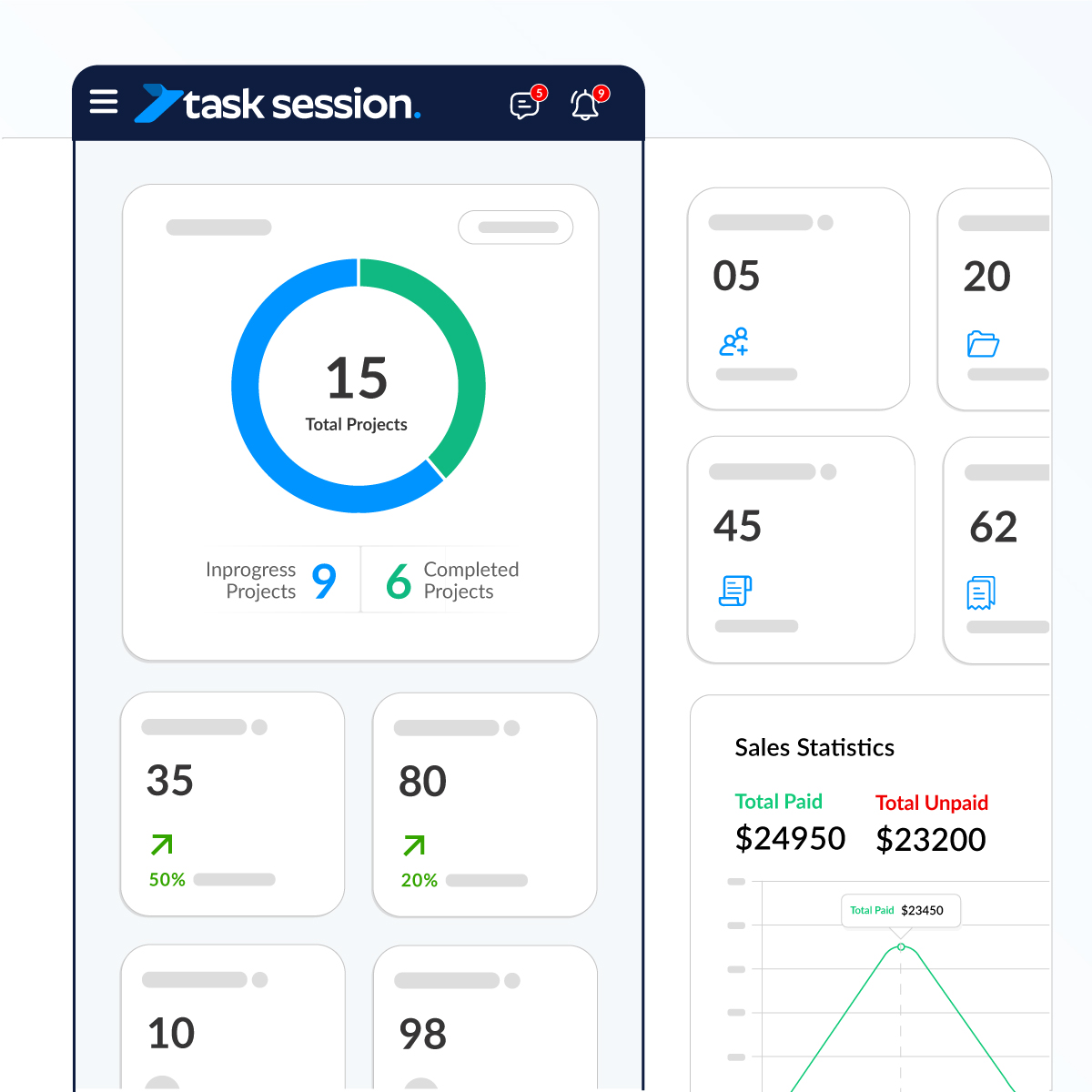
Get a clear overview of all your projects in one visual dashboard. Instantly see how many projects are active, completed, or pending no searching, no extra clicks.
Key Highlights:
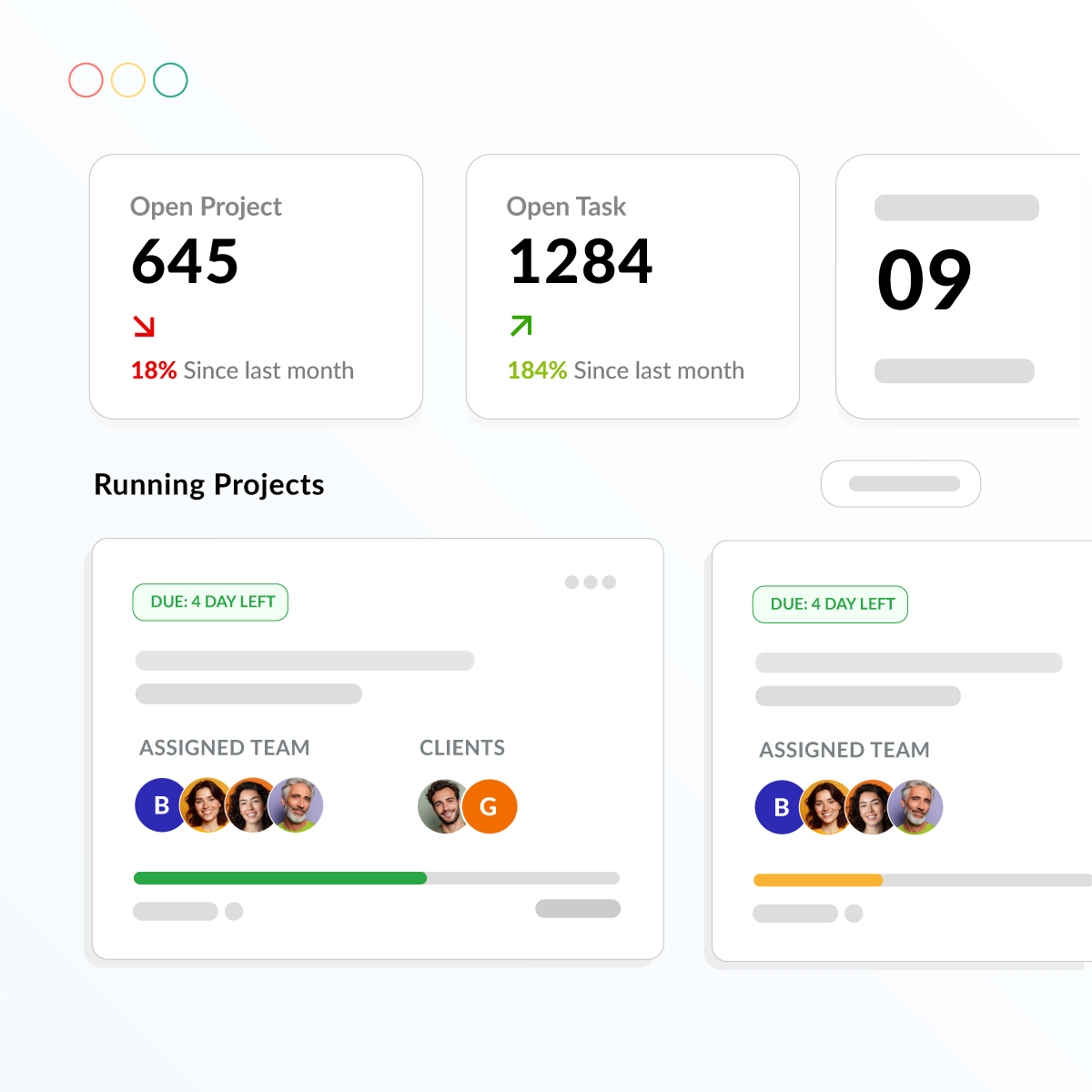
Quickly monitor your latest projects and open tasks with a dashboard designed for instant visibility. Track performance, compare growth with last month, and open any project with a single click.
Key Highlights:
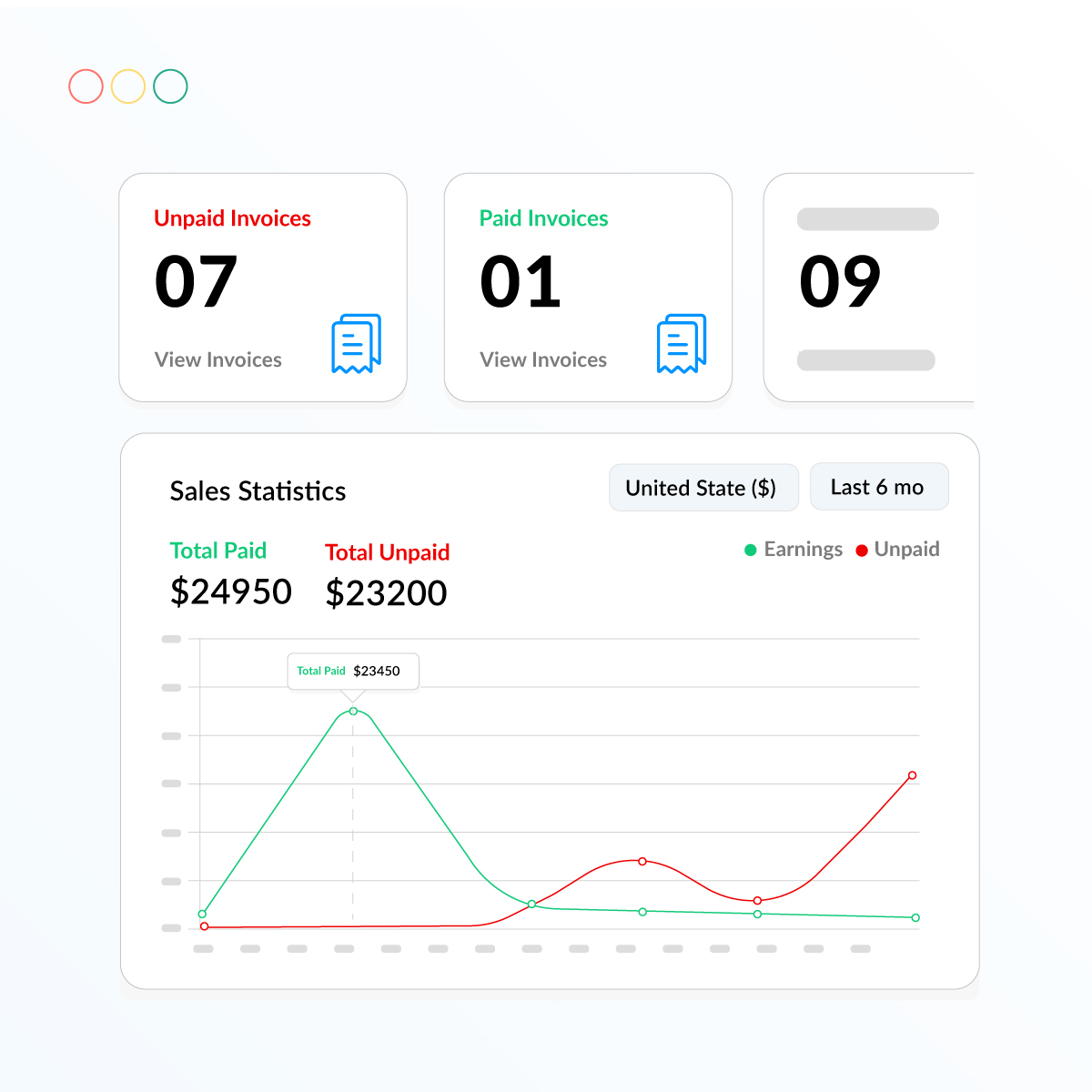
Monitor every paid and unpaid invoice at a glance. Your dashboard shows real-time counts, detailed invoice lists, and easy-to-read earnings charts so you always know where your finances stand.
Key Highlights:
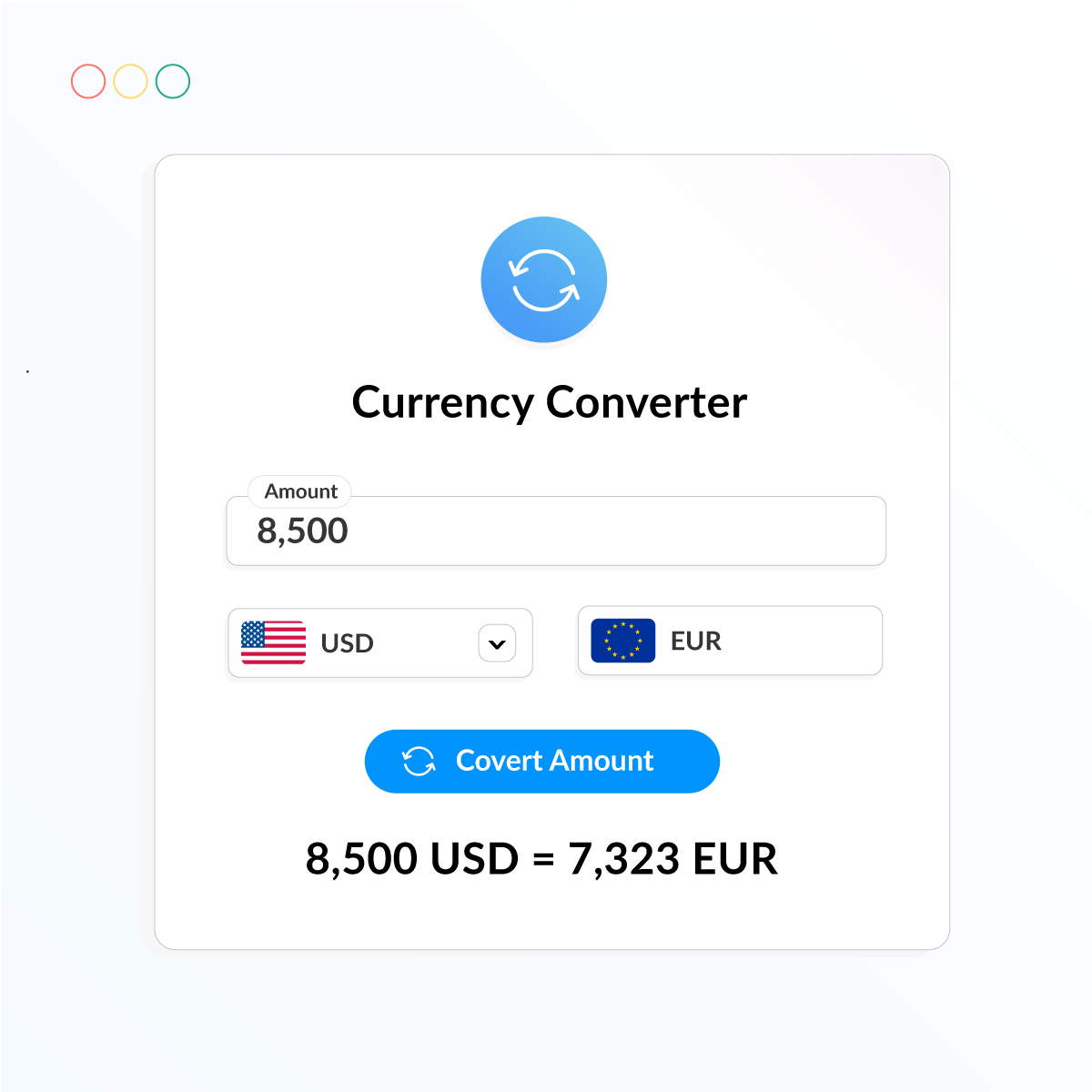
Agencies work across borders your dashboard should too. That’s why we built a real-time Currency Converter right inside your system, so you can calculate payments, invoices, and budgets instantly in any currency.
Key Highlights:
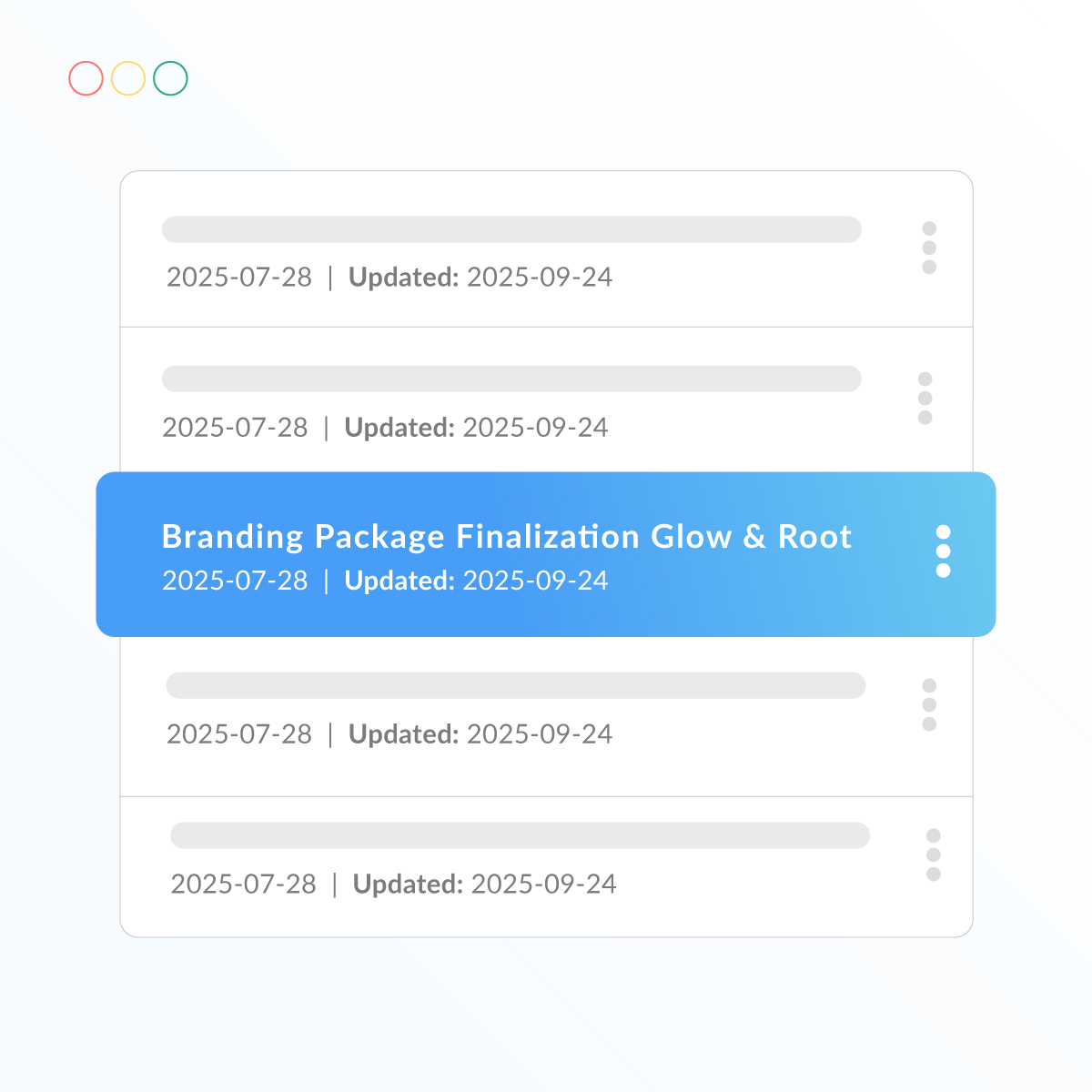
Keep your private tasks and notes organized in one place. Quickly view, edit, and manage everything without mixing it with project work.
Highlights:
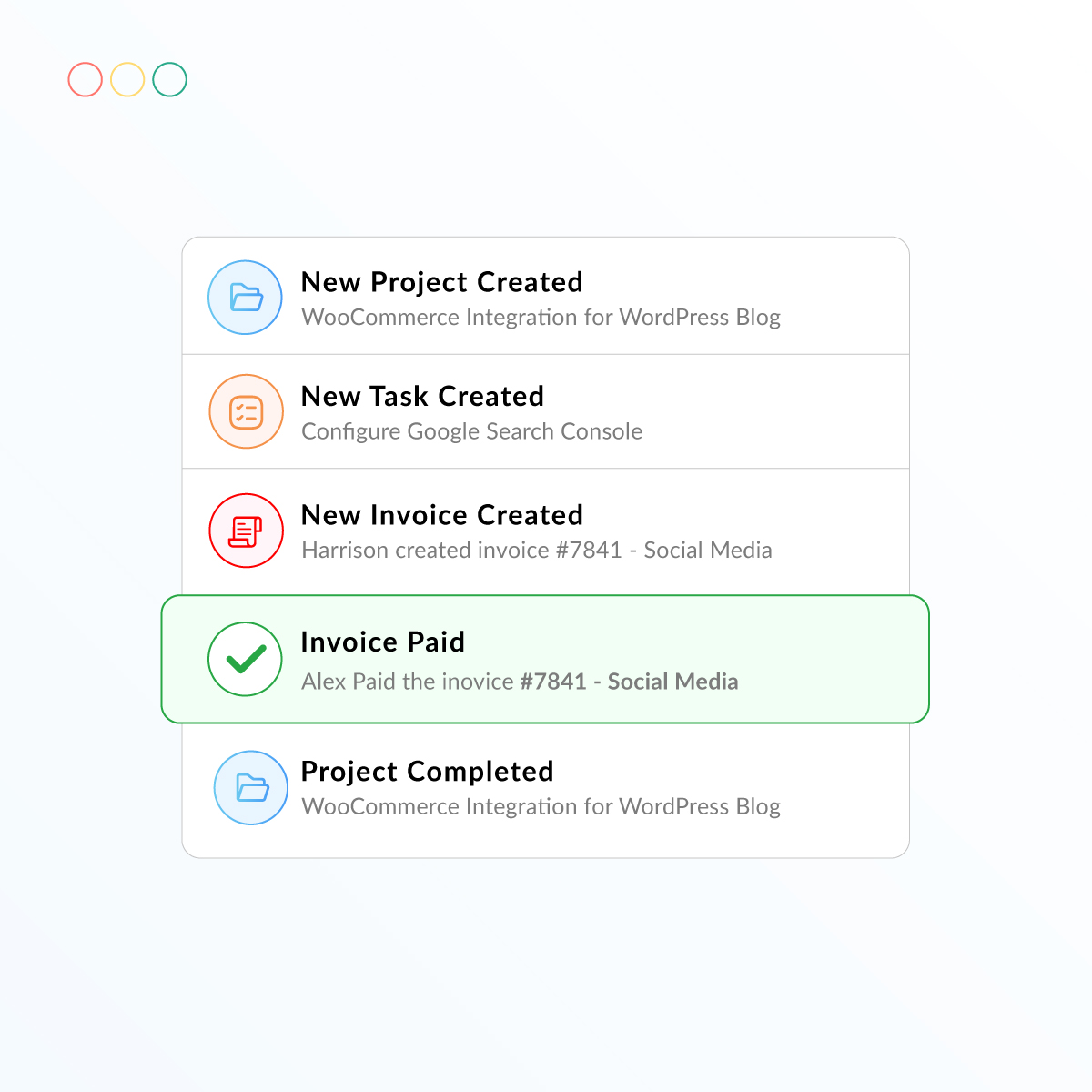
Stay updated in real time. Get instant alerts whenever a project is created, a task is added, an invoice is generated or paid, or any major update happens inside your dashboard.
Highlights:
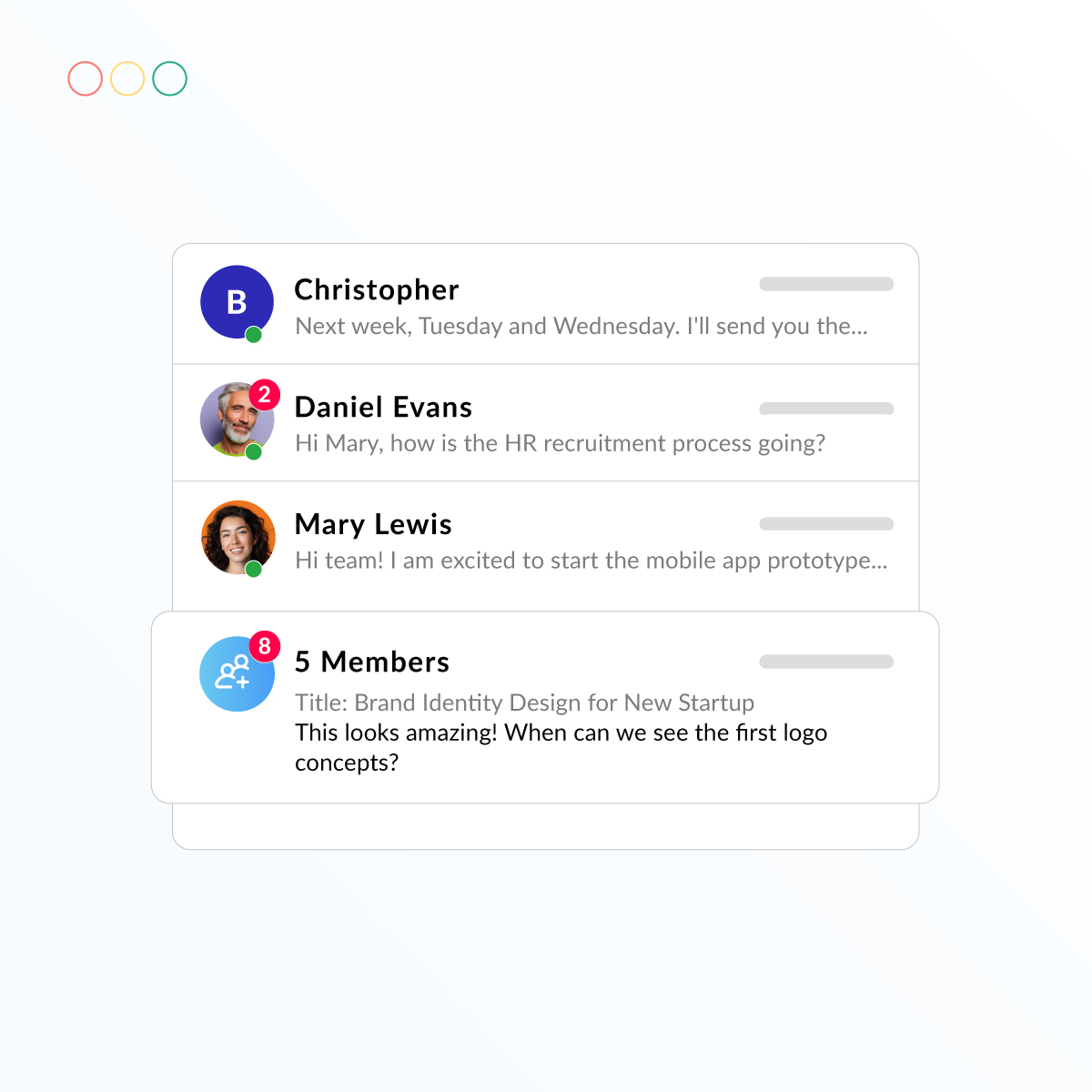
Never miss an important update. If any client or team member sends a message inside a project or task, you’re instantly notified so conversations stay active and nothing slips through the cracks.
Highlights:
Whether you’re on a laptop, tablet, or phone, TaskSession’s dashboard adjusts perfectly. Track projects, tasks, invoices, and messages from anywhere with a fully responsive design made for modern teams.
Highlights:

Install TaskSession on your own hosting and keep 100% ownership of your data and system.
www.portal.yourdomain.com
Check out what these customers have to say about us.

Task Session has completely streamlined how we manage projects and clients. The Kanban board and reporting features keep my team on track, and the invoicing system saves us hours every week.


I’ve tried a few CRMs before, but none were as simple and effective as Task Session. The installation was smooth, and the white-label option is a big plus for my business branding.

Our team loves the flexibility of Task Session. From workload management to milestone tracking, everything is in one place. It has made collaboration much easier and stress-free.

The best thing about Task Session is its self-hosted nature. I have full control over my data and can customize branding to match my business. Highly recommended for professionals.

As a growing startup, Task Session helped us stay organized without the heavy costs of bigger CRMs. The system is lightweight, fast, and perfect for managing multiple clients.

We switched to Task Session recently, and it has already boosted our productivity. The dashboard is clean, the reports are insightful and support has been excellent so far.

Task Session finally brought order to our workflow. Our team moves faster, clients stay updated automatically and managing tasks and files has never been this effortless.
Task Session has completely improved how we manage our cases and client communication. Everything is organized, and our team always knows what needs attention next.
The ability to track cases, assign attorneys, and manage billing without confusion has made our firm more efficient and professional.
From hearing schedules to case notes, everything stays structured. It has helped our team stay focused and avoid missed deadlines.
Task Session has brought clarity to our case handling and improved how we communicate with clients. Everything feels structured and easy to manage.
Managing multiple cases used to be overwhelming, but now everything is organized in one place. It has made our daily workflow much smoother.
Yes! TaskSession includes three dedicated dashboards:
Admin Dashboard: Full control over projects, tasks, invoices, team permissions, and settings.
Staff Dashboard: A focused workspace for tasks, messages, files, and daily workflow.
Client Dashboard: A clean portal where clients see only their assigned projects, tasks, files, and communication.
Everyone sees only what’s relevant to them.
Yes. The dashboard shows real-time analytics, including total projects, open tasks, overdue items, charts, performance indicators, and more.
Absolutely. TaskSession is fully responsive, so your dashboard works seamlessly on desktops, tablets, and mobile devices.
Yes. The integrated chat system supports:
All communication is encrypted and secure.
Yes. You can track:
Everything updates in real time.
Self-hosted means you install TaskSession on your own server, giving you:
Your system runs independently — just like your own private SaaS platform.
Yes! We offer a one-time lifetime license, allowing you to use TaskSession forever without recurring fees.
This includes:
A perfect option for long-term savings.
TaskSession is built with enterprise-level security, including:
Your data stays private, protected, and fully under your control.
Yes. All users including lifetime license holders — receive:
We actively develop and expand the platform based on real user feedback.