
Task Session has completely streamlined how we manage projects and clients. The Kanban board and reporting features keep my team on track, and the invoicing system saves us hours every week.

Marketing Agency Owner

05/01/2026
Enjoy full control over tasks, files, boards, and team collaboration with a powerful system that stays fast, organized, and easy to use — forever.
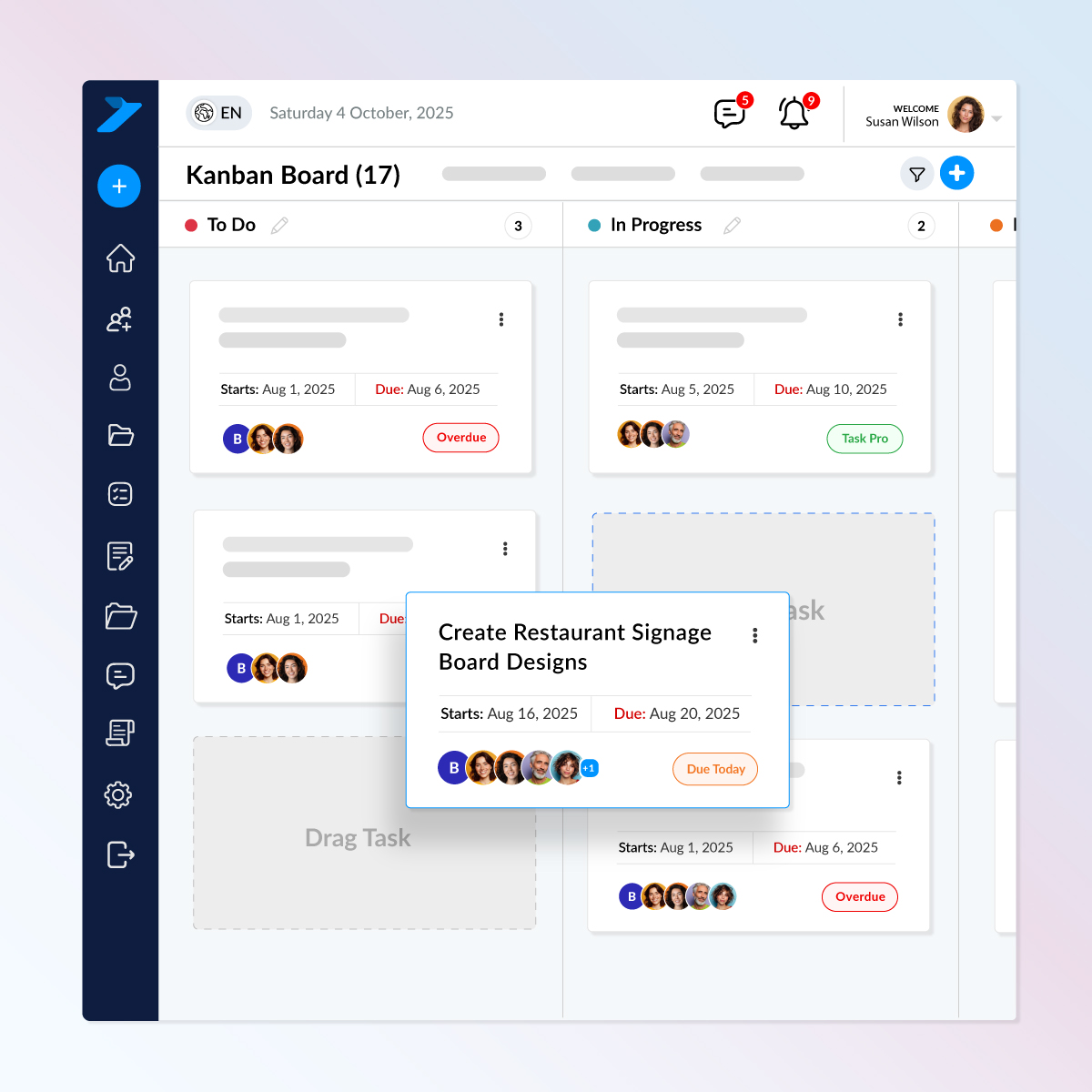
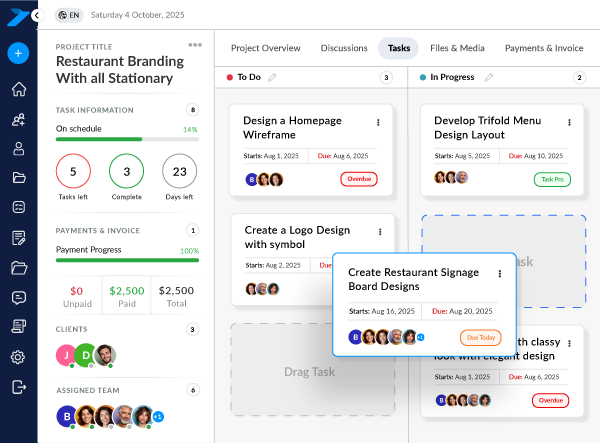
Jump between list or Kanban view, update status, set priorities, and keep everything moving smoothly.
Key Features:
Organize your tasks your way without affecting the team’s main Kanban flow.
Key Features
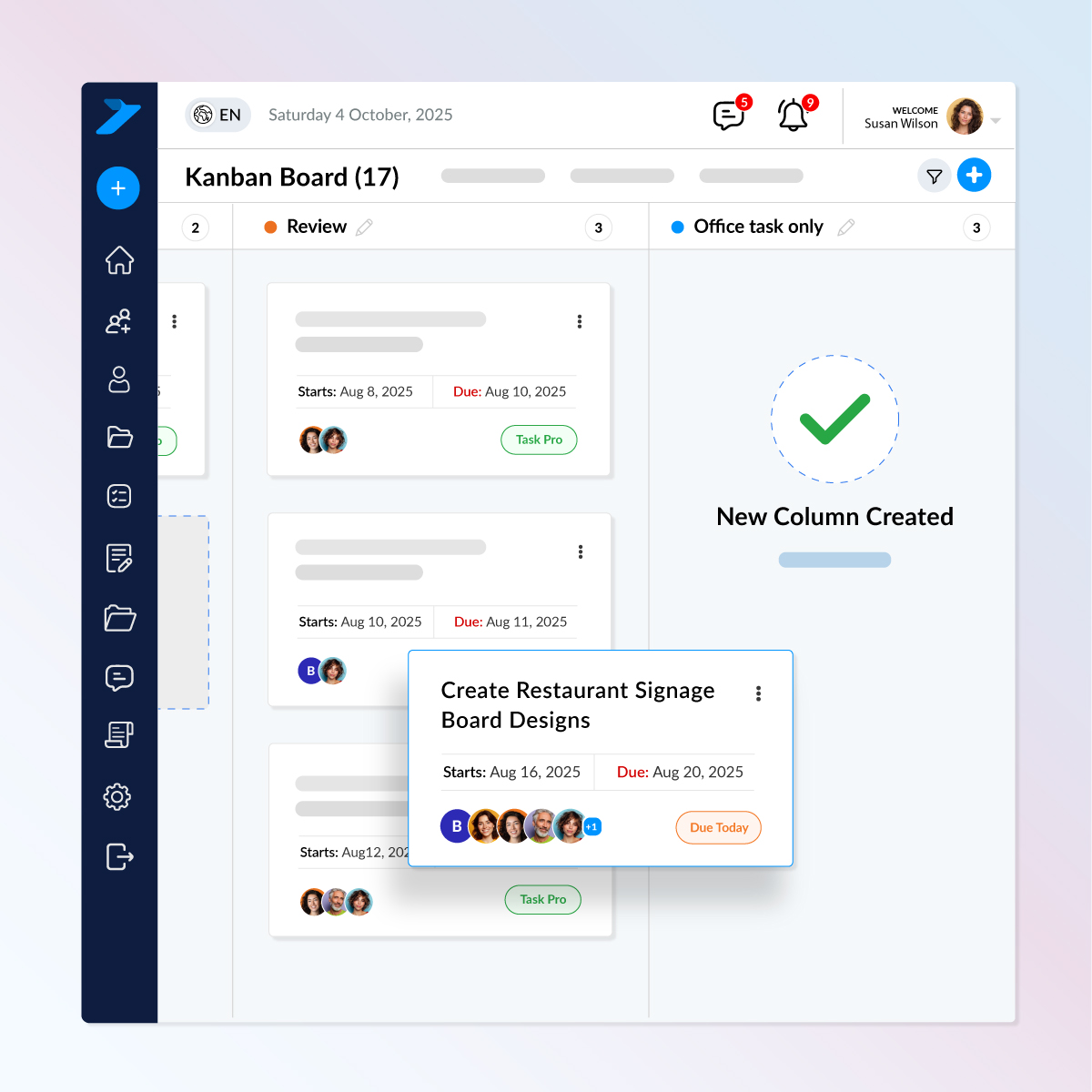
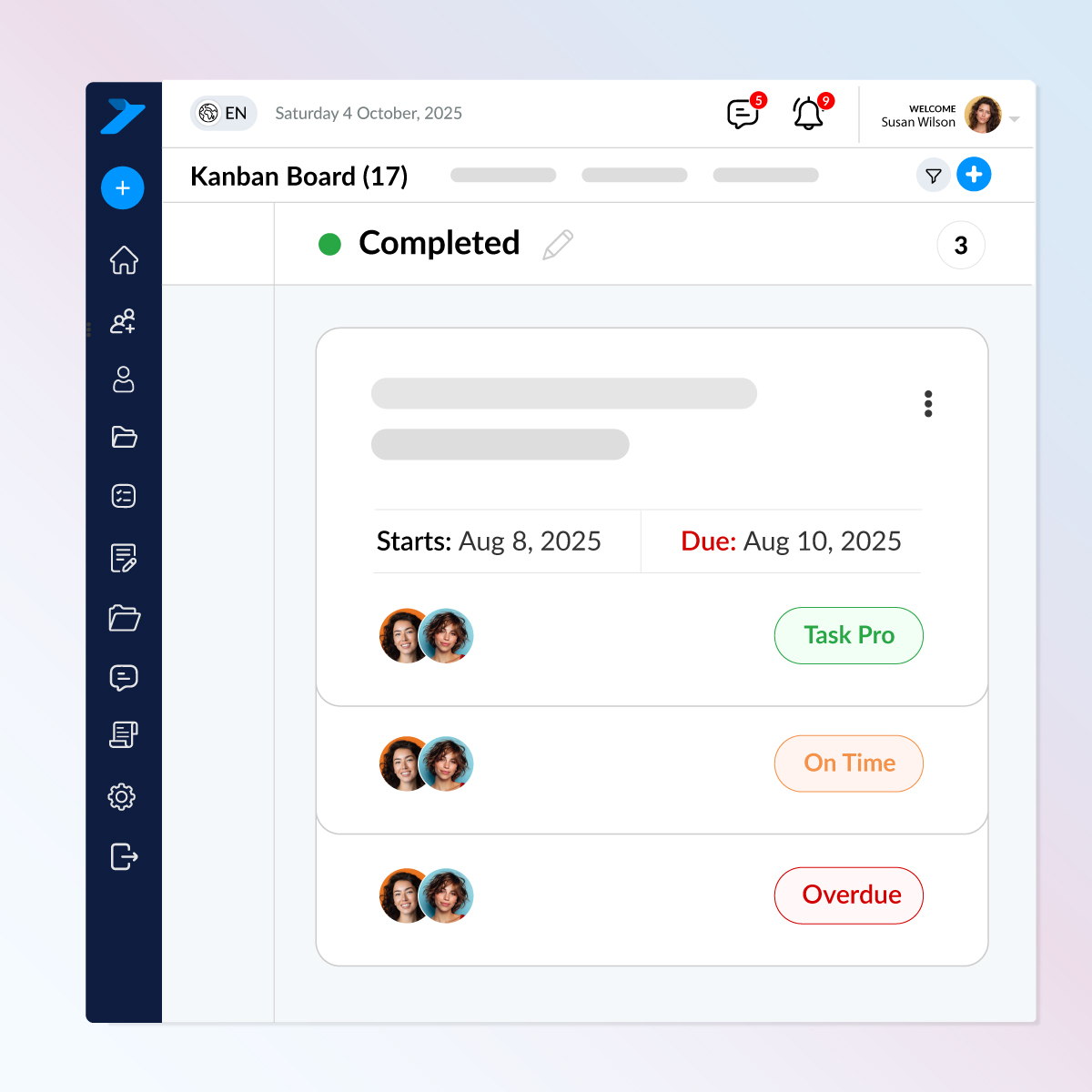
Instant visual cues so your team knows exactly where every task stands — no guessing, no confusion.
Key Features
Helps teams prioritize quickly and stay aligned without constant follow-ups
See all your tasks in one simple, scroll-friendly table. Perfect for reviewing workloads, checking statuses, and managing projects without opening each card.
Key Features
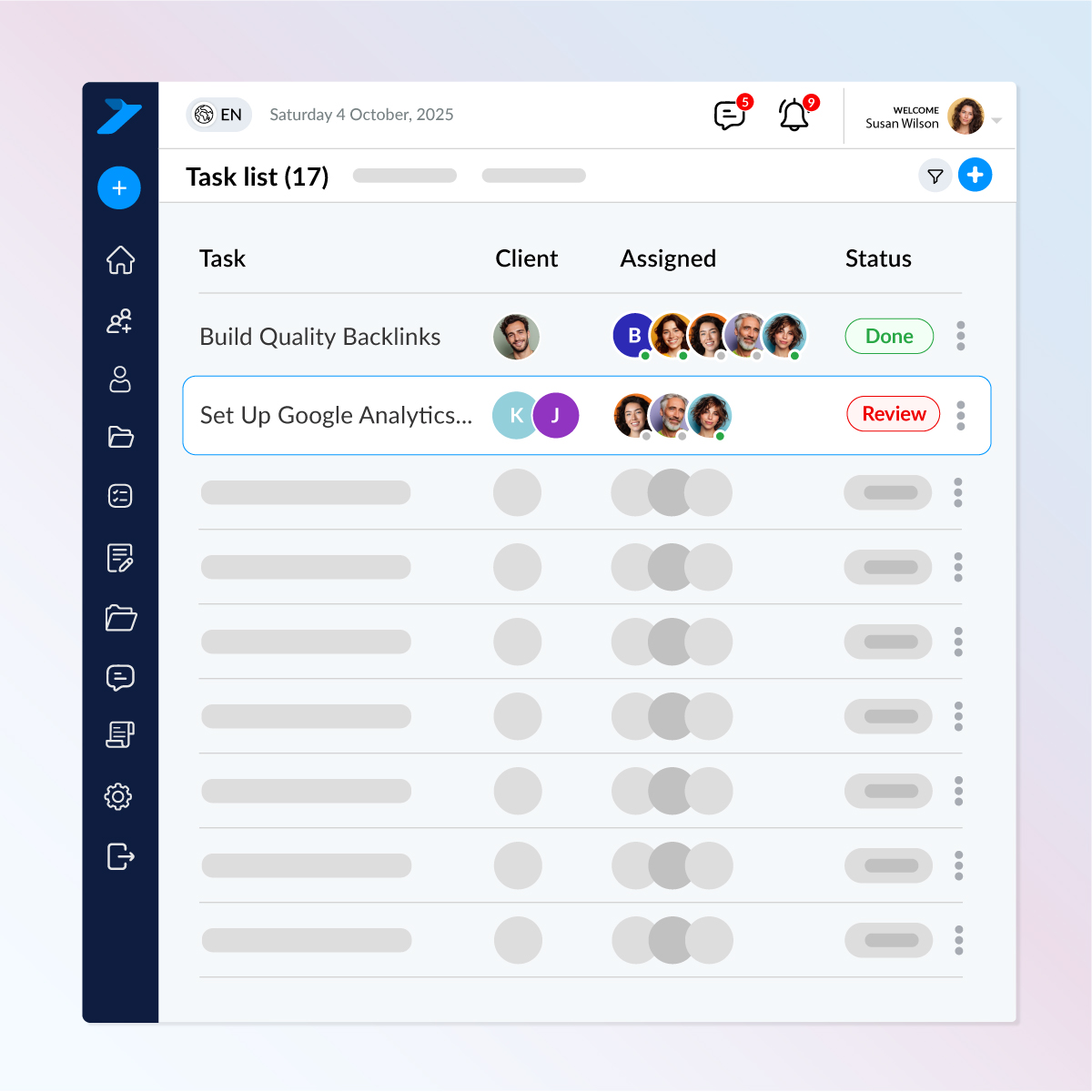
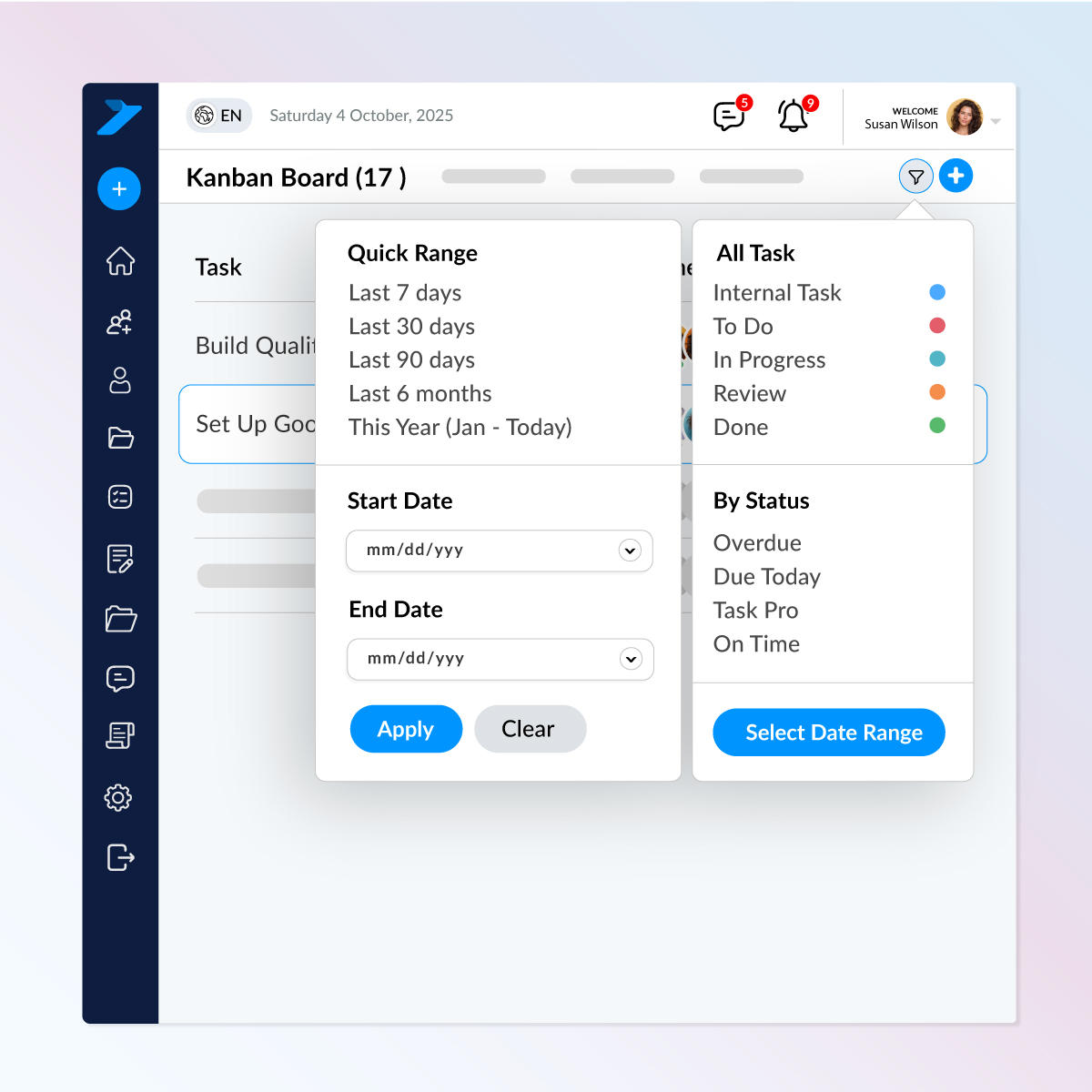
Search, sort, and locate tasks in seconds. Task Session’s smart filtering system helps you quickly view tasks by date, status, type, or progress—perfect for fast decision-making and clean project insights.
Key Features
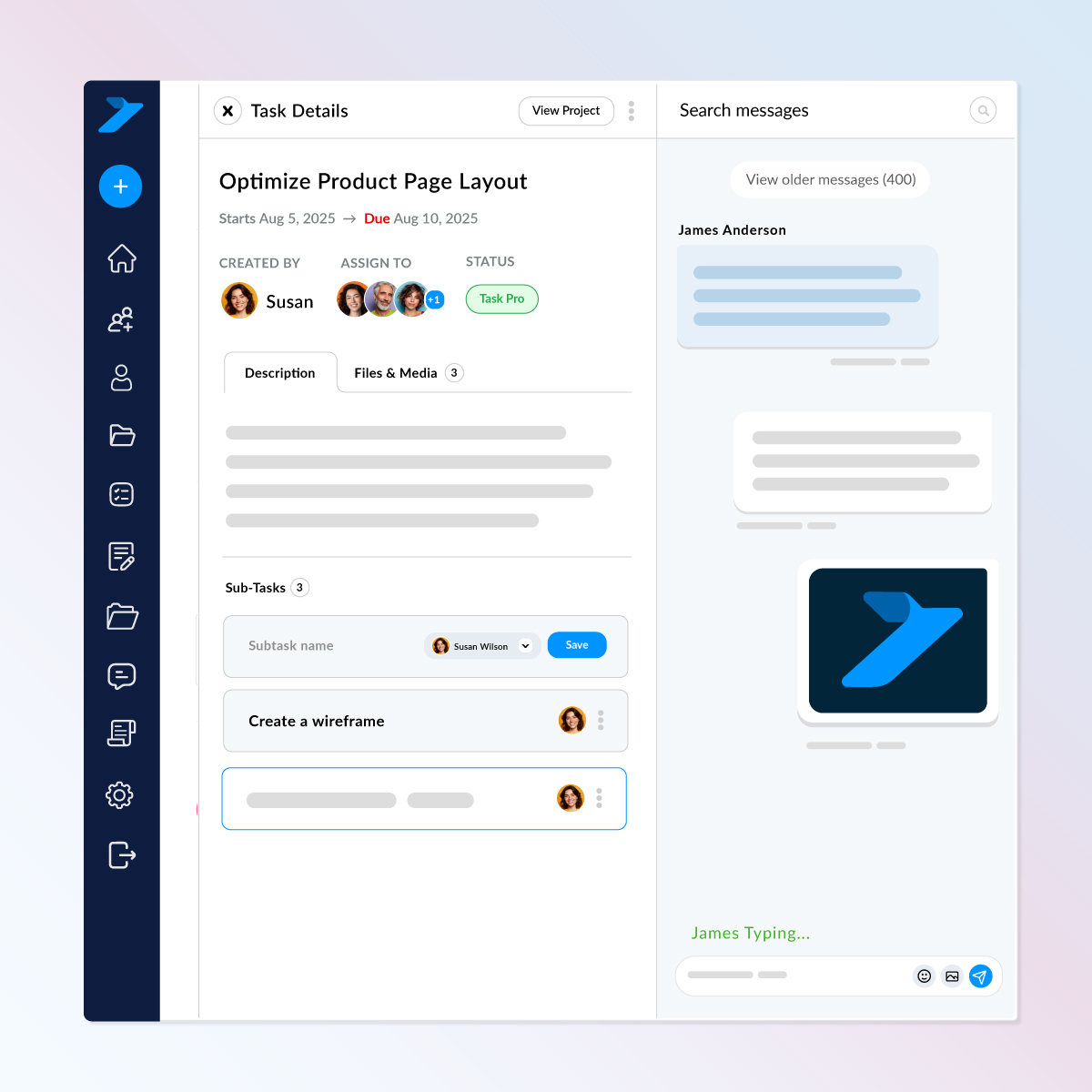
A focused workspace where you can review task info, chat instantly, manage subtasks, and keep everything moving — all in one screen.
What you can do inside a task
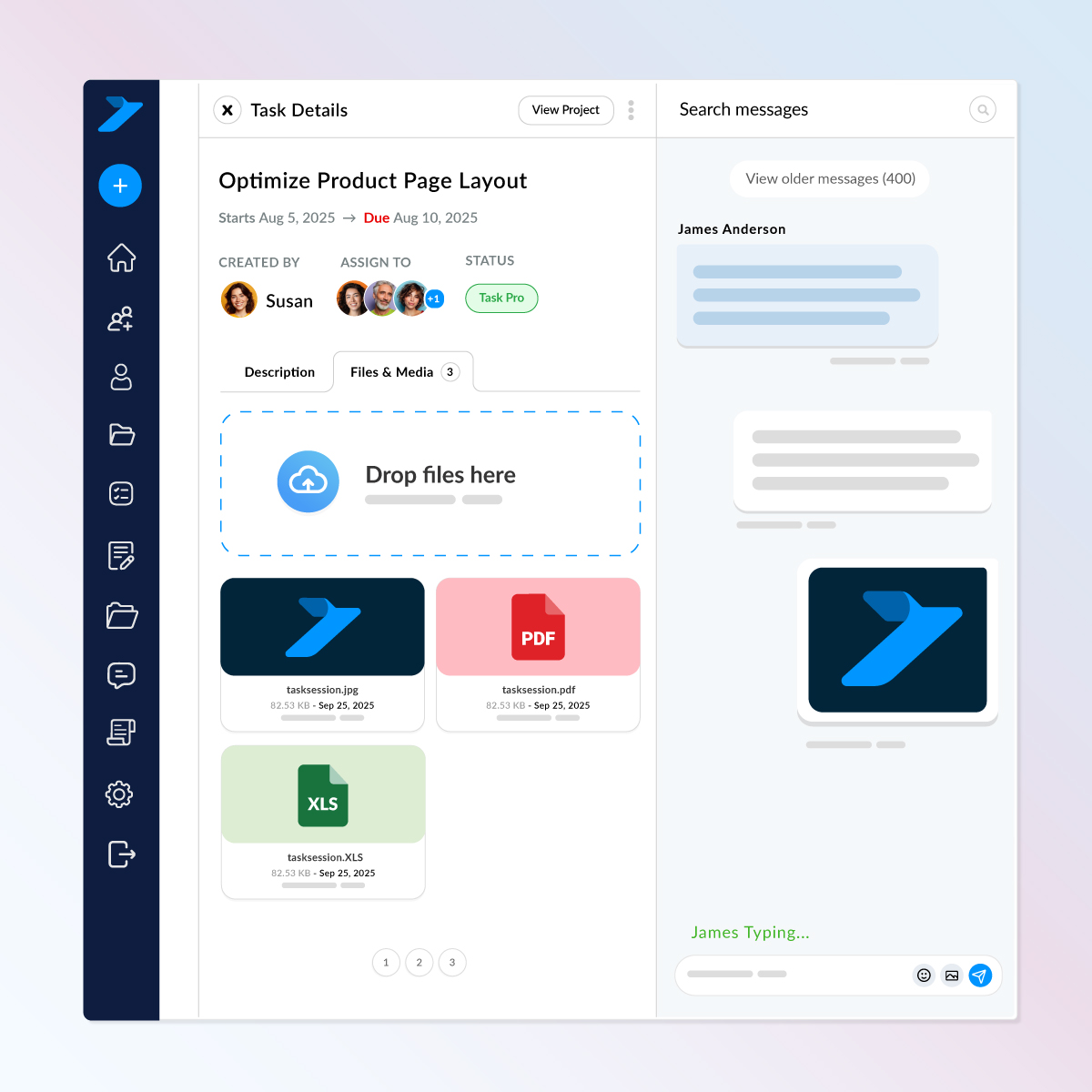
Keep task-specific files organized, accessible, and easy for your whole team to manage.
What makes this file area powerful
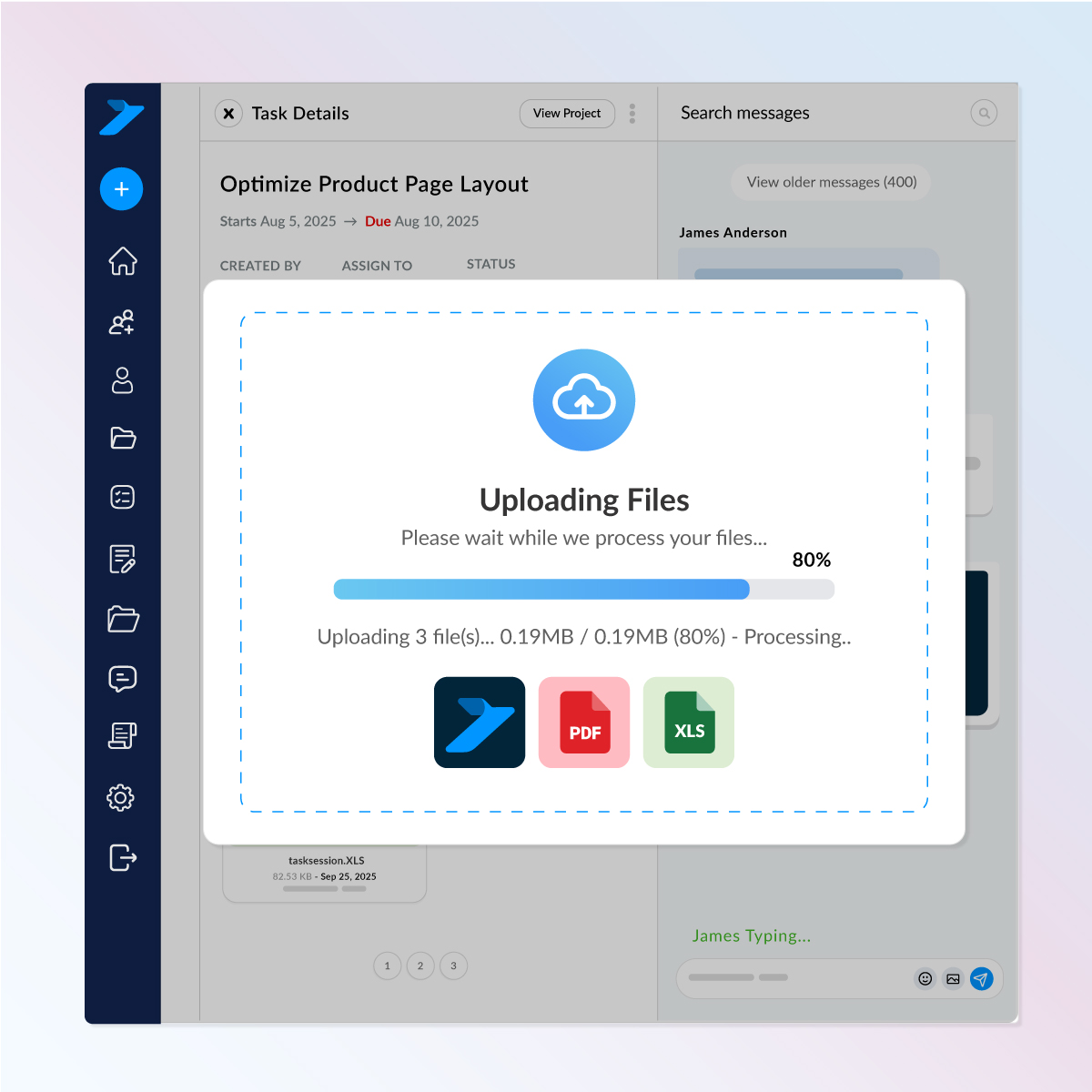
Upload files the way you already work just drag them in.
Task Session handles the rest with smart processing, fast previews, and a smooth experience that feels just like Google Drive or WhatsApp.
Key Features

Install TaskSession on your own hosting and keep 100% ownership of your data and system.
www.portal.yourdomain.com
Check out what these customers have to say about us.
Task Session has completely streamlined how we manage projects and clients. The Kanban board and reporting features keep my team on track, and the invoicing system saves us hours every week.

I’ve tried a few CRMs before, but none were as simple and effective as Task Session. The installation was smooth, and the white-label option is a big plus for my business branding.

Our team loves the flexibility of Task Session. From workload management to milestone tracking, everything is in one place. It has made collaboration much easier and stress-free.

The best thing about Task Session is its self-hosted nature. I have full control over my data and can customize branding to match my business. Highly recommended for professionals.

As a growing startup, Task Session helped us stay organized without the heavy costs of bigger CRMs. The system is lightweight, fast, and perfect for managing multiple clients.

We switched to Task Session recently, and it has already boosted our productivity. The dashboard is clean, the reports are insightful and support has been excellent so far.

Task Session finally brought order to our workflow. Our team moves faster, clients stay updated automatically and managing tasks and files has never been this effortless.
Task Session has completely improved how we manage our cases and client communication. Everything is organized, and our team always knows what needs attention next.
The ability to track cases, assign attorneys, and manage billing without confusion has made our firm more efficient and professional.
From hearing schedules to case notes, everything stays structured. It has helped our team stay focused and avoid missed deadlines.
Task Session has brought clarity to our case handling and improved how we communicate with clients. Everything feels structured and easy to manage.
Managing multiple cases used to be overwhelming, but now everything is organized in one place. It has made our daily workflow much smoother.
More Features
Task Session gives you complete control over tasks, permissions, reminders, and communication all fully encrypted, fully responsive, and designed to keep your team working smoothly.