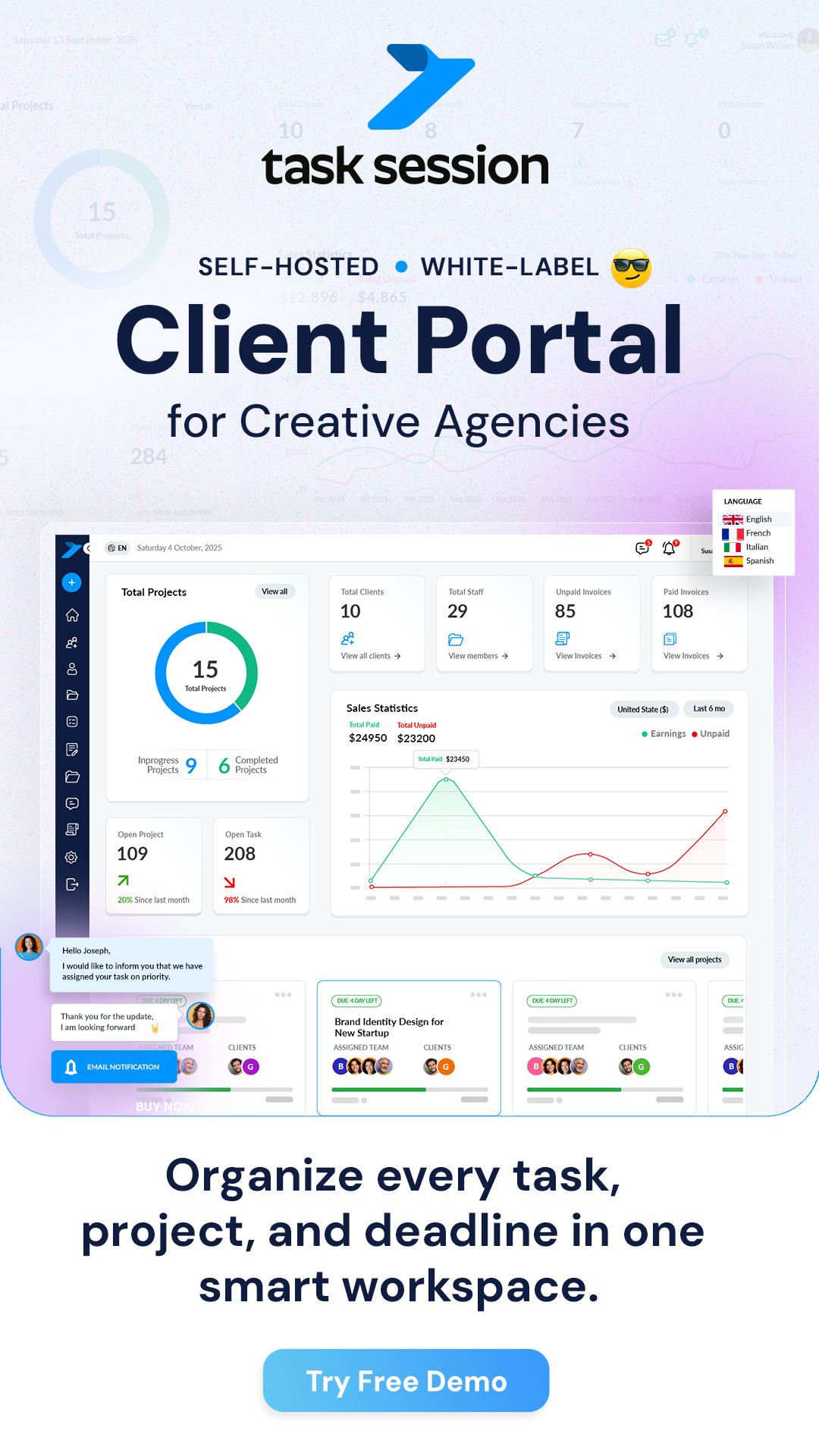
The TaskSession client portal is a dedicated space where your clients can log in and stay connected with their projects. Instead of sending updates through emails or messages, everything is managed in one place — simple, organized and easy to track.
It allows clients to see progress, communicate with your team, and access important files without needing constant follow-ups.
How the client portal works
Once you add a client to TaskSession, they receive login access to the system. After logging in, they are taken to their own dashboard where they can only see the projects you’ve shared with them.
This means:
- Clients don’t see your internal data
- They only access what is relevant to them
- Everything stays secure and controlled
It creates a professional environment where clients feel involved but without overwhelming them.
What clients can do inside the portal
The client portal is designed to give just the right level of access.
Clients can:
- View project progress and updates
- See tasks related to their project
- Communicate through project chat
- Upload and download files
- Check invoices and payment status
This makes it easy for clients to stay informed without needing to ask for updates again and again.
Why the client portal is important
Without a client portal, communication can become messy. Emails get lost, files are scattered, and updates are unclear.
With TaskSession’s client portal:
- All communication stays in one place
- Project updates are always visible
- Files are easy to access
- Clients feel more confident and involved
It improves both transparency and trust.
Keeping control over client access
As an admin or project manager, you control what clients can see and do.
You can:
- Assign clients to specific projects
- Limit access to certain features
- Control file visibility
- Manage communication permissions
This ensures that sensitive information remains private while still giving clients a smooth experience.
Making collaboration easier
The biggest advantage of the client portal is how it simplifies collaboration.
Instead of switching between tools:
- Discussions happen inside the project
- Files are shared instantly
- Feedback is quicker
- Decisions are made faster
Everything is connected, which saves time for both your team and your clients.
When to use the client portal
The client portal is useful in many situations, such as:
- Managing agency clients
- Working with freelancers or contractors
- Handling long-term projects
- Sharing progress with stakeholders
If your work involves clients, this feature becomes essential.
What happens next
Once your clients start using the portal:
- They stay updated without asking
- Communication becomes faster
- Your workflow becomes more professional
TaskSession turns client management into a smooth and structured experience, all within a single platform