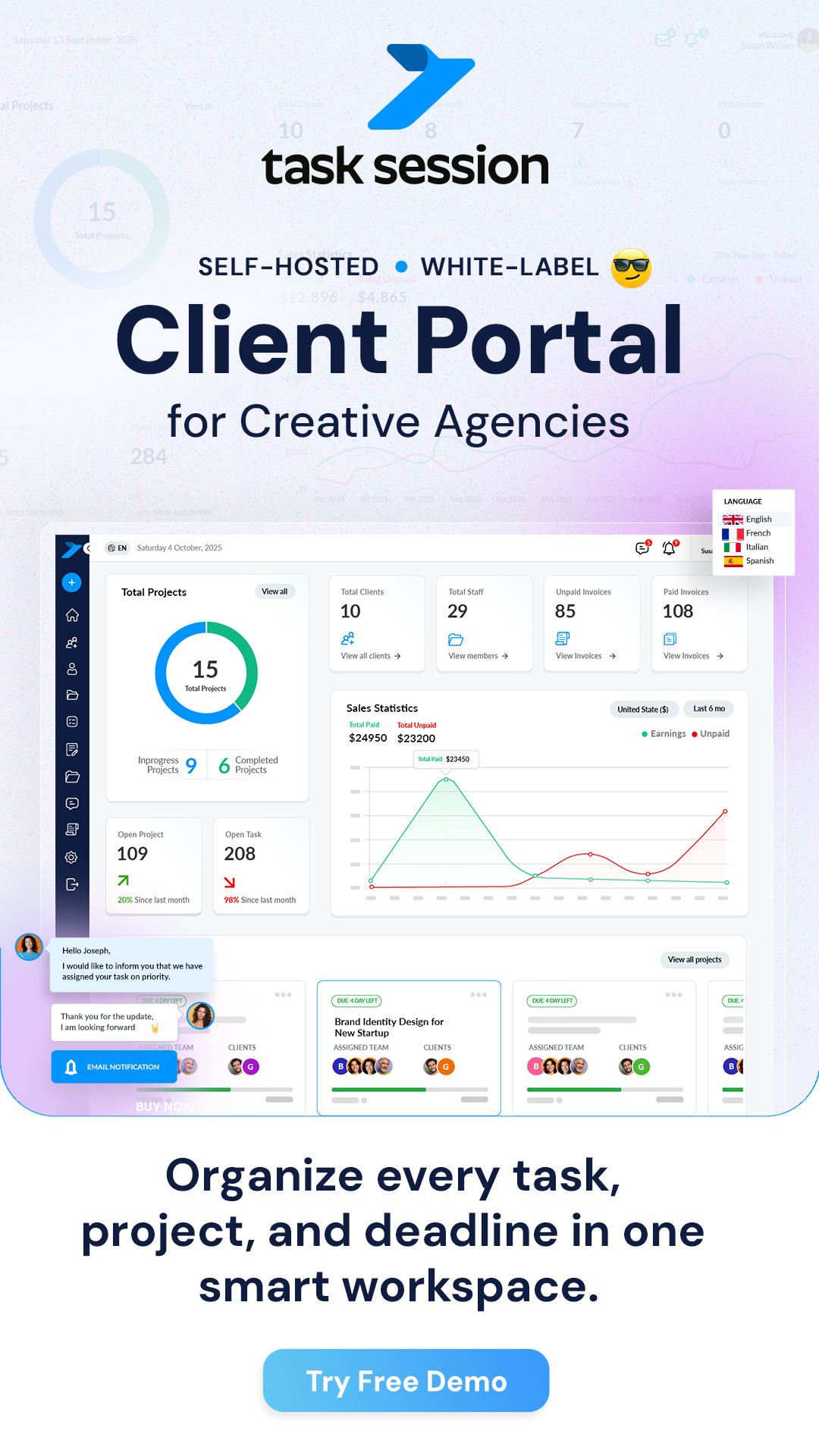
Projects are the core of TaskSession. Everything tasks, files, chat, invoices is organized inside projects. Once you understand how to create and manage them properly, your entire workflow becomes smooth and structured.
Let’s go step by step.
Creating a new project
To start working, you first need to create a project.
- Go to your dashboard
- Click on Projects from the main menu
- Click the Create Project button
A form will open where you can set up your project.
Adding project details
Fill in the basic information for your project:
- Project name
- Description (optional but helpful)
- Start date and deadline
- Assign team members
Make sure to give a clear name so your team can easily identify the project.
Assigning team members
You can add your team while creating the project or later.
- Select users from your team list
- Assign only relevant members
This ensures that only the right people have access to the project.
Understanding the project overview
Once your project is created, you’ll see a complete overview.
Inside a project, you will find:
- Tasks and progress tracking
- Project chat and discussions
- Files and documents
- Notes and updates
- Invoices and payments
Everything related to the project stays in one place.
Managing tasks inside a project
Tasks are where actual work happens.
Inside your project:
- Create tasks for different activities
- Assign tasks to team members
- Set deadlines and priorities
- Track progress using the Kanban board
This helps your team stay organized and accountable.
Updating project progress
As work moves forward:
- Update task statuses
- Add comments or updates
- Track overall progress from the dashboard
This gives you a clear picture of how the project is performing.
Managing project files and communication
Each project has its own space for collaboration.
You can:
- Upload and organize files
- Chat with team members and clients
- Share updates in real time
No need for external tools — everything is built in.
Editing or updating a project
If something changes, you can always update your project.
- Edit project details anytime
- Add or remove team members
- Update deadlines if needed
This keeps your project flexible and up to date.
Archiving or deleting a project
When a project is completed:
- Archive it to keep records safely
- Or delete it if no longer needed
Archiving is recommended so you can access data later if required.
Best practices for project management
To get the most out of TaskSession:
- Keep project names clear and simple
- Break work into small tasks
- Assign responsibilities clearly
- Keep communication inside the project
- Regularly update progress
What happens next
Once your project is set up:
- Your team can start working on tasks
- Clients can collaborate (if added)
- You can track everything in one place
This is what makes TaskSession powerful — complete project control without chaos.