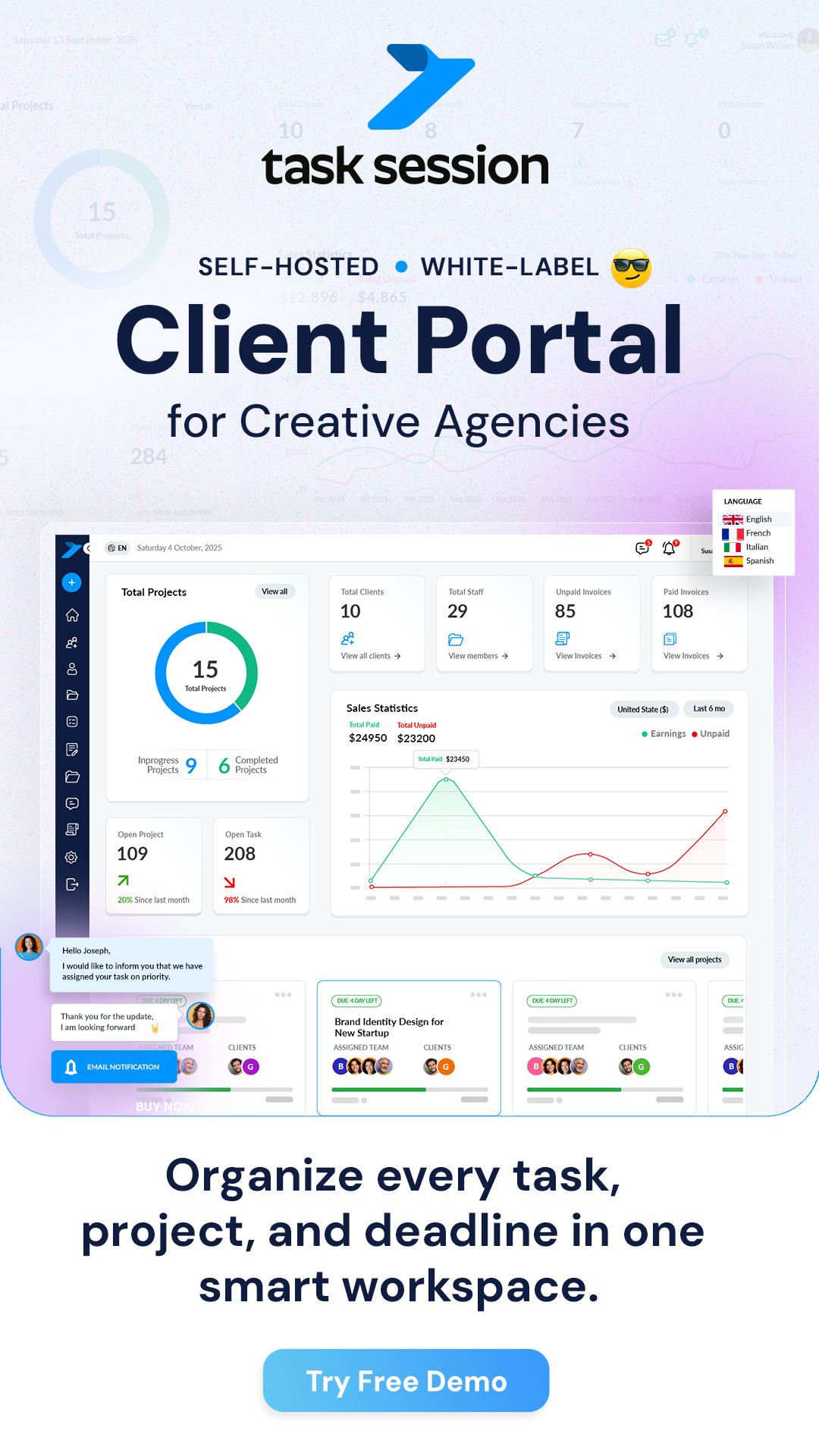
Project chat in TaskSession is designed to keep all your communication in one place. Instead of using external tools like WhatsApp or email, your team and clients can discuss everything directly inside the project. This keeps conversations organized, easy to track, and always connected to the work being done.
Once you start using project chat properly, you’ll notice a big improvement in clarity, response time, and overall collaboration.
Where to find project chat
To access project chat:
- Go to your dashboard
- Open any project
- Look for the Chat or Discussion section inside the project
This is your central communication area for that specific project. Every message shared here is linked to the project, so nothing gets lost.
Starting a conversation
Using project chat is simple and very similar to messaging apps you already use.
- Type your message in the chat box
- Press send
Your message will instantly appear in the chat and be visible to all project members. This makes it easy to start discussions, ask questions, or share updates.
Keeping communication organized
One of the biggest advantages of project chat is that everything stays connected to the project.
Instead of scattered messages across different platforms:
- All discussions are saved inside the project
- Team members can scroll back anytime
- New members can quickly understand past conversations
This helps avoid confusion and repeated explanations.
Mentioning team members
If you want to notify a specific person, you can mention them in the chat.
- Use the mention feature (for example, typing their name)
- The user will receive a notification
This is especially useful when:
- Assigning tasks
- Asking for updates
- Highlighting important messages
Mentions ensure that the right person sees your message at the right time.
Replying to specific messages
In active projects, conversations can move quickly. To keep things clear, you can reply directly to a specific message.
- Click reply on a message
- Your response will stay linked to that message
This creates a clear conversation thread, making it easier to follow discussions without confusion.
Sharing files in chat
Project chat also allows you to share files directly.
- Drag and drop files into the chat
- Or upload them manually
This is useful for:
- Sharing documents
- Sending design files
- Providing quick updates
All files shared in chat remain accessible within the project.
Using chat for daily updates
Project chat works best when used for regular communication.
You can use it to:
- Share progress updates
- Ask quick questions
- Report issues
- Confirm completed tasks
Instead of long emails, quick chat messages keep the workflow fast and efficient.
Chat vs task comments
It’s important to understand when to use chat and when to use task comments.
- Use project chat for general discussions and updates
- Use task comments for task-specific communication
This keeps your project structured and prevents important details from getting mixed up.
Working with clients in chat
If clients are added to the project, they can also use the chat.
This allows:
- Direct communication without emails
- Faster feedback
- Clear project discussions
You can keep everything professional and transparent by communicating directly inside the project.
Notifications and real-time updates
Project chat is designed to work in real time.
- Messages appear instantly
- Users receive notifications when mentioned or when new messages arrive
This ensures that your team stays updated without delays.
Best practices for using project chat
To make the most out of project chat:
- Keep messages clear and short
- Use mentions for important communication
- Avoid sending unnecessary messages
- Share files directly instead of using external links
- Keep all project-related discussions inside TaskSession
Following these practices helps maintain a clean and productive communication flow.
What happens next
Once your team starts using project chat regularly:
- Communication becomes faster and more organized
- Everyone stays on the same page
- Project updates are always easy to find
This is one of the most powerful features of TaskSession — turning communication into a structured part of your workflow instead of scattered conversations.